S C O P E B I T S

ScopeBits Tech Support

Please select a product support section

CONNECTSTAR Specific Mounts

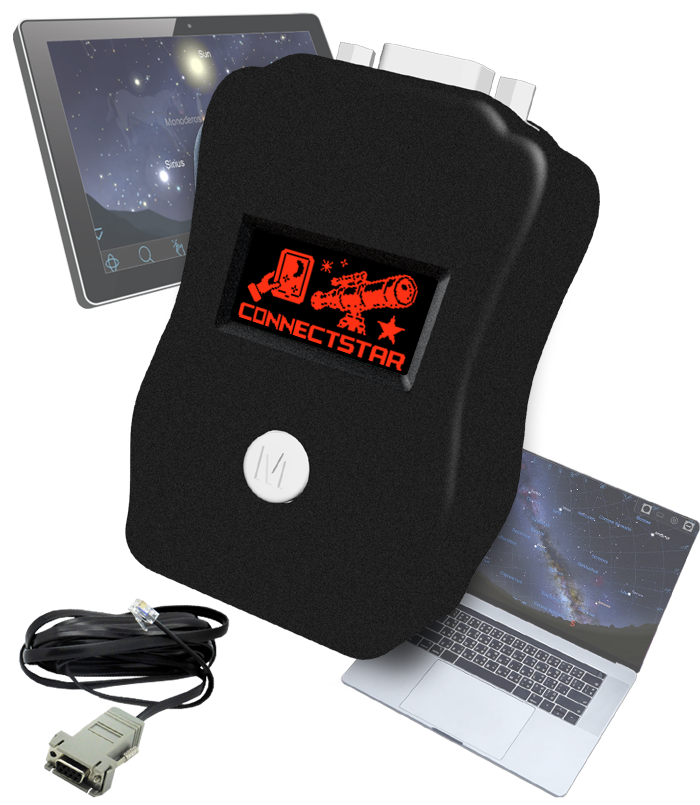
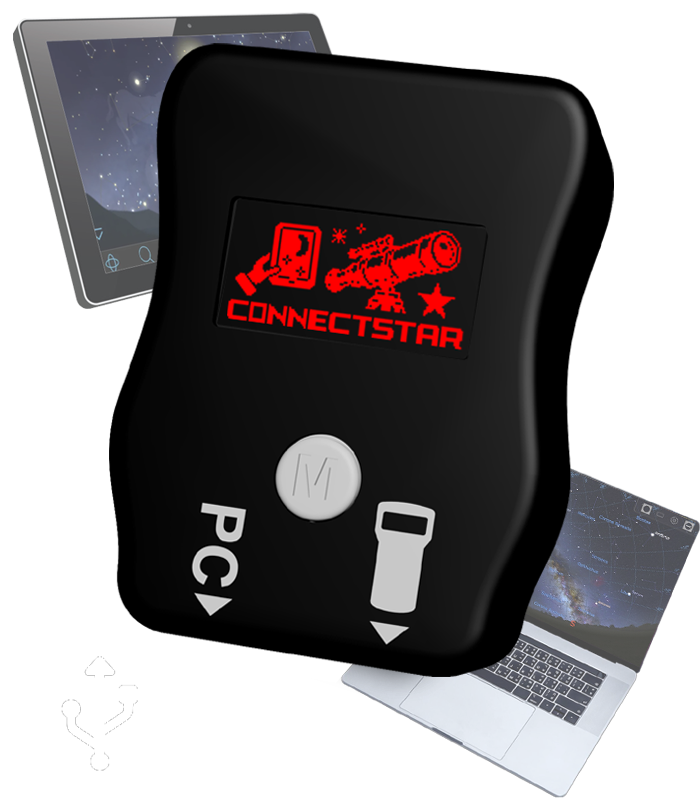
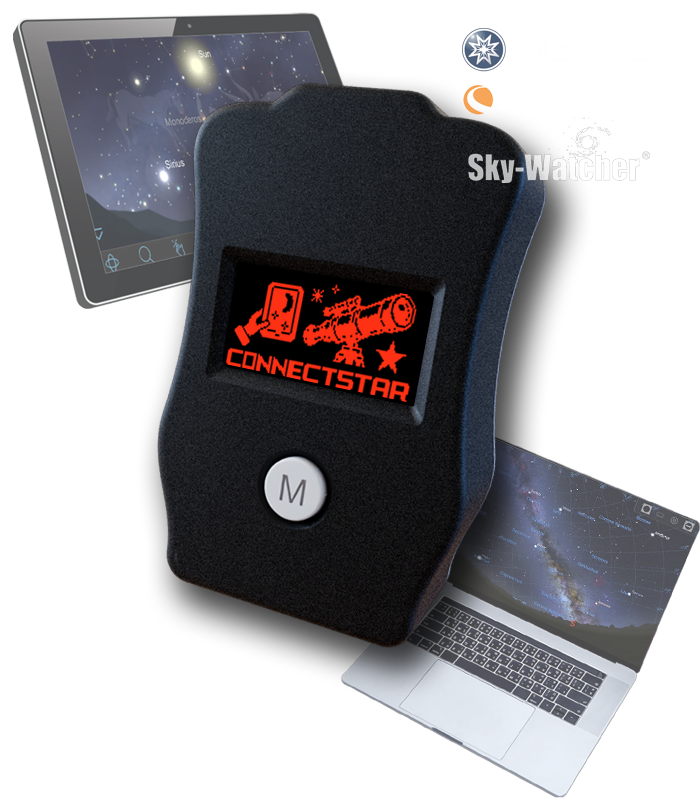
CONNECTSTAR is the new name for the Telescope Bridge, it was the first in the product line, and other products had adopted the STAR suffix - so it has been rebranded.

C L I C K S T A R

  •   Connection to the telescope
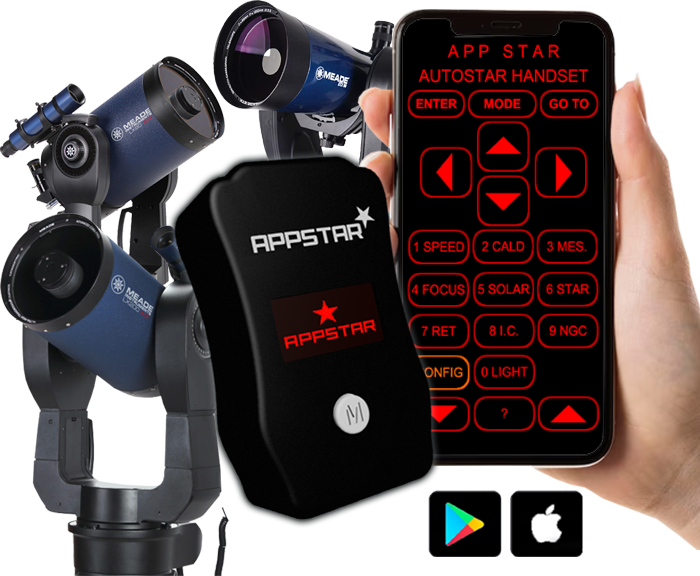
      APPSTAR capability (APP control)
      Android APP control via Bluetooth LE
      iOS APP control via Access Point
      iOS APP control via home WiFi
      Wifi Router setup
      Joystick (Optional) functions
      OTA firmware updates
      Reset current WiFi network
      Optional printable button legends (pdf)

    C L I C K S T A R Telescope bracket

    Below are 3D printable files for the bracket. Suggest a high quality PLA, ABS or PetG. 15% infill.

    Right click and "Save As"
      3D printable STL for the bracket
      3D printable STL for the 2" tube leg adapter
      3D printable STL for the 1.5" tube leg adapter
      PDF bracket instructions

    C L I C K S T A R software

     Changelog

    v1.0.0 - Initial release.

    v1.0.1 - Improved APPSTAR functions.

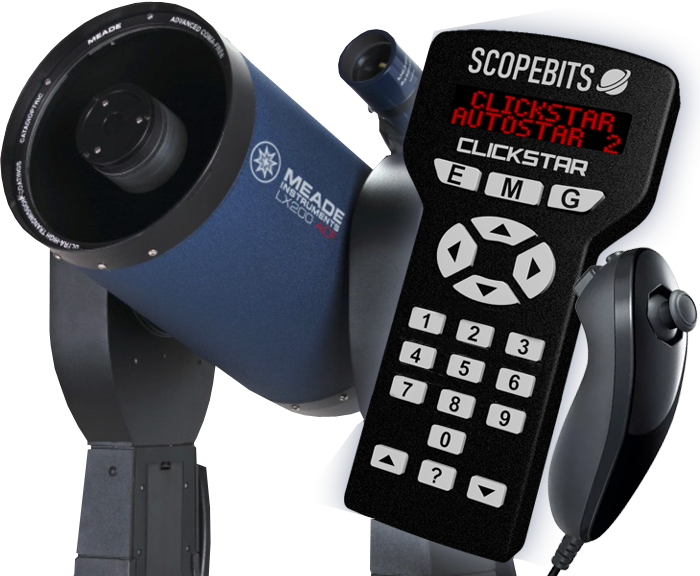
    CLICKSTAR can only be updated via it's internal menu system over Wifi (See above). The web installer is here for techinical support reasons.

    Firmware update
  • T O U C H S T A R

  •   Connection to the telescope
      APPSTAR capability (APP control)
      Wifi Router setup
      Joystick (Optional) functions
      Firmware updates
      Screens explained

    T O U C H S T A R Telescope bracket

    Below are 3D printable files for the bracket. Suggest a high quality PLA, ABS or PetG. 15% infill.

    Right click and "Save As"
      3D printable STL for the bracket
      3D printable STL for the 2" tube leg adapter
      3D printable STL for the 1.5" tube leg adapter
      PDF bracket instructions

    T O U C H S T A R software

     Changelog

    v1.0.0 - Initial release.

    v1.0.1 - Improved APPSTAR functions.

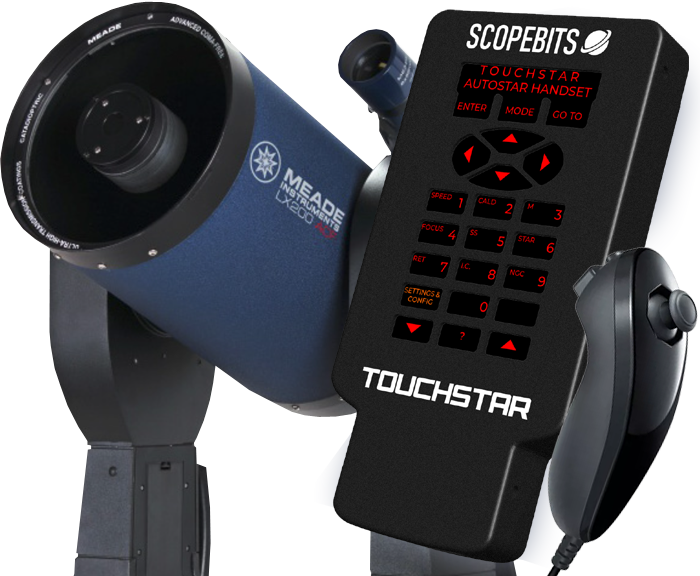
    You can esily update your TOUCHSTAR using this website. Check here for details

    Firmware update for all IPS models (Masked & full screen Touch Screen version - Latest version)

    You can easily switch between the masked and full screen versions. Goto Settings and config, and select SWITCH TS DISP MODE

    Firmware update for TFT models (Discontinued April 2025)

  • General Troubleshooting

    ScopeBits devices are designed to be robust and easy to use, but if you run into any issues, try the following:

    Check your USB or power connection. Ensure your Telescope Bridge is plugged into the correct ports. We would advise plugging in all devices when the telescope is off, then powering it up. If your Clickstar or Touchstar are not powering on, check your 12v power supply and the cable is inserted correctly.

    Restart the device and your telescope controller. In some cases, a power cycle clears minor glitches. There is a small hole on the back of the Telescope Bridge & Clickstar units. Use a paper clip to press and reset the unit.

    If the device isn't broadcasting a WiFi network or won't connect, make sure you are in Wifi AP mode. ScopeBits products have a low power antenna, and the range may be limited. Most use cases the controlling device is close to the telescope. Consider using WiFi range extenders in STA mode.

    CONNECTSTAR acts as a simple transceiver between your Telescope and App. Most App issues will be a configuration or App developer issue.

    Make sure you're using Google Chrome or Microsoft Edge on desktop. Mobile browsers and Safari are not supported for WebUSB/WebSerial updates.

    Try using a different USB cable (some are power-only). Also confirm you've selected the correct COM port during the update process. Firmware failed: If you are using the web updater, and accidentally un-plugged your unit or the web connection failed, you can recover the last known good firmware by power cycling your device.

    Telescope Bridge can use Bluetooth Classic to connect to other apps. Both Clickstar & Touchstar use Bluetooth 4LE to connect to the APPSTAR device & Apps

    Need more support?

    If none of the above resolve your issue, feel free to contact us. We're happy to help!