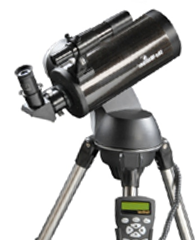
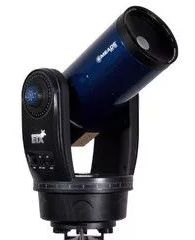
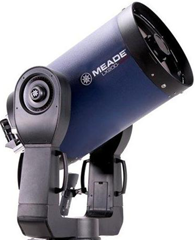
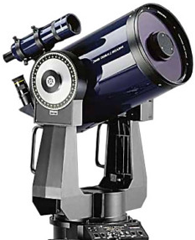
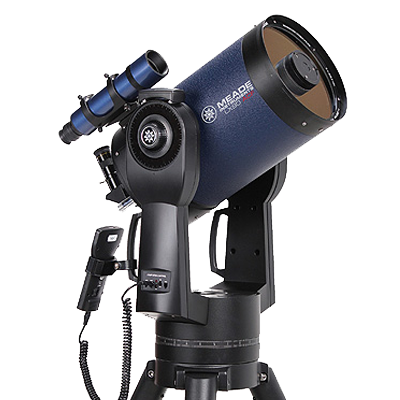
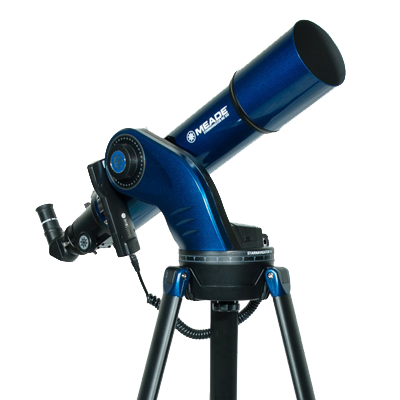
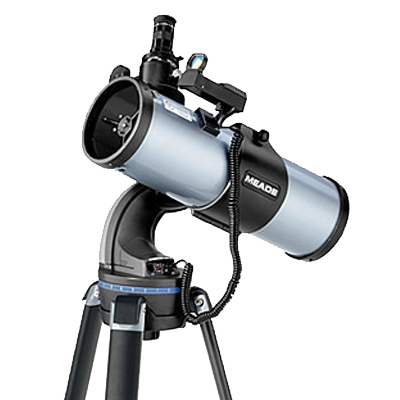
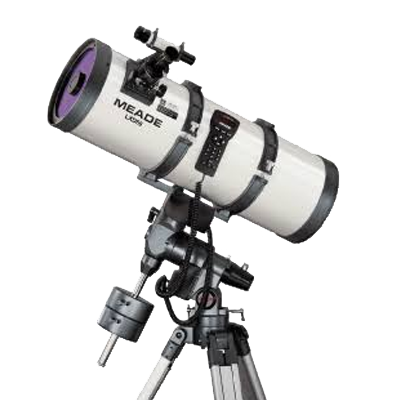
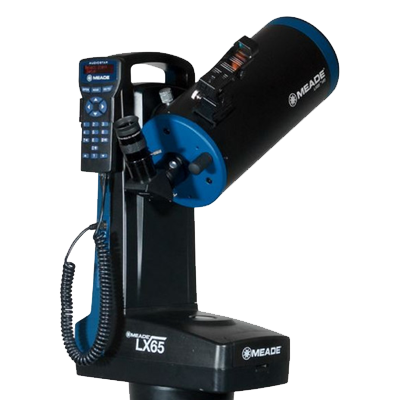
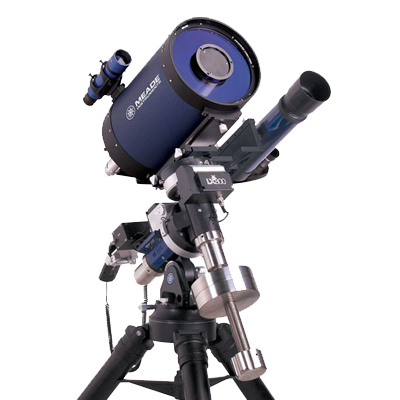
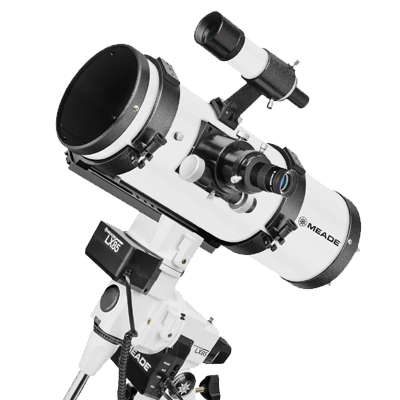
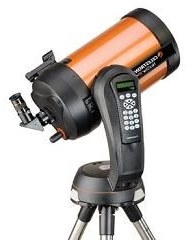
Please select your telescope platform

This is so the we can show you the relevant information.
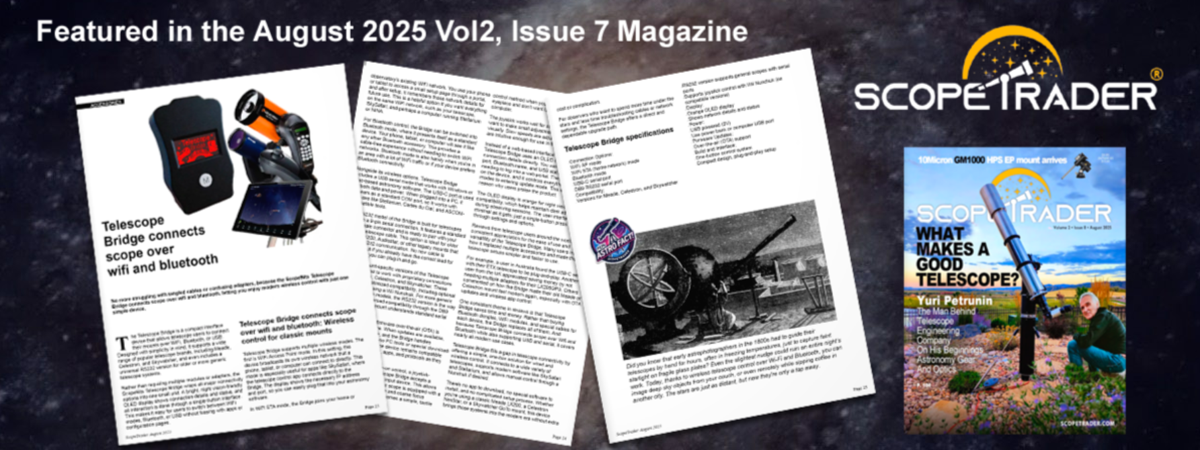
CONNECTSTAR

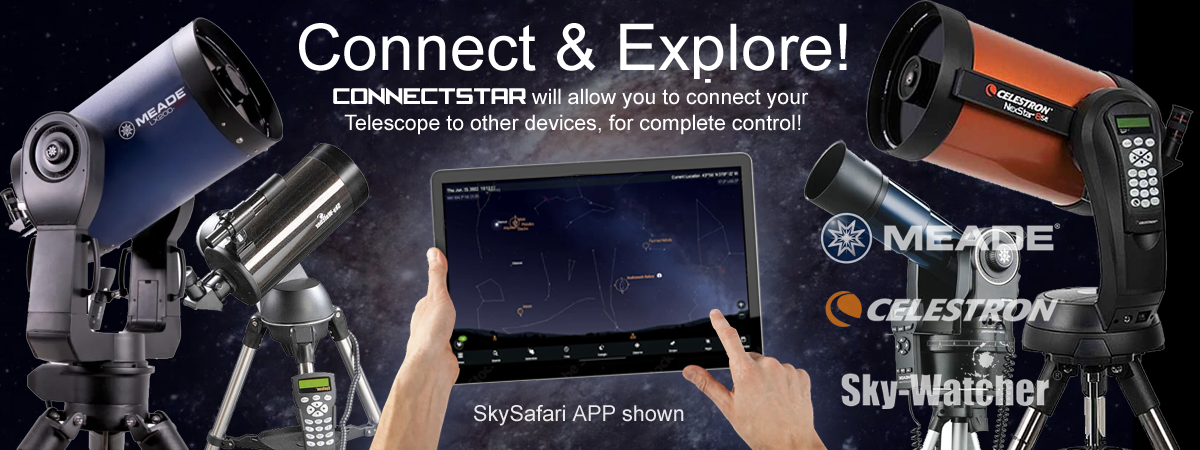
A powerful, all-in-one controller interface to popular apps such as Sky Safari & Stellarium etc. Choose the joystick-enabled model for direct control. With built-in WiFi, Bluetooth, and USB, plus a bright OLED screen and OTA updates, CONNECTSTAR brings modern connectivity to your telescope.
 

Quickly jump to an information section using these buttons

CONNECTSTAR demo video

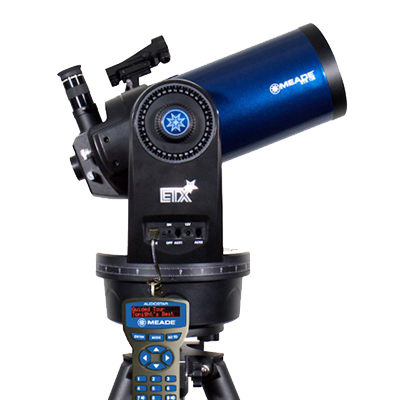
This short demonstration video shows the ConnectSTAR working with a Celestron Nextstar 4SE & MEADE ETX via Audiostar. The operation is the same on other telescope models. All are compatible with the joystick controller.


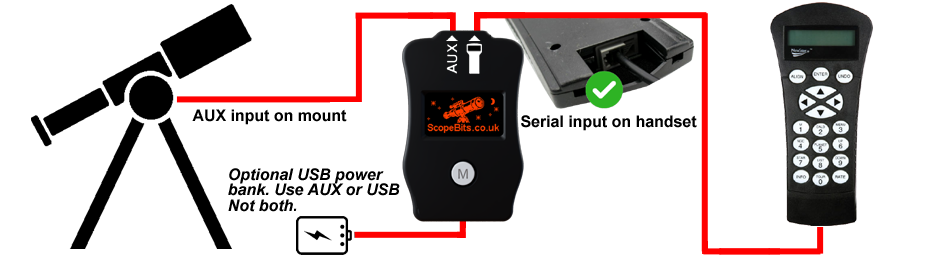
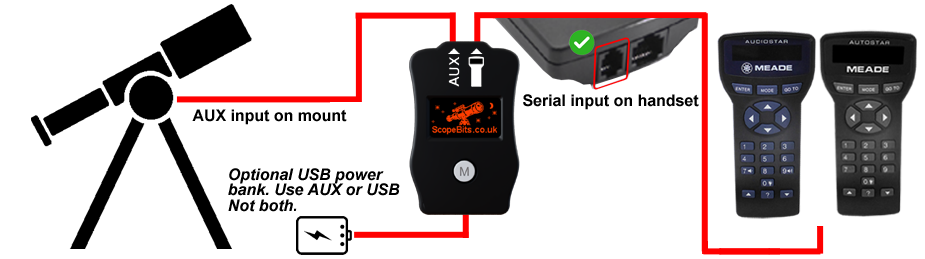
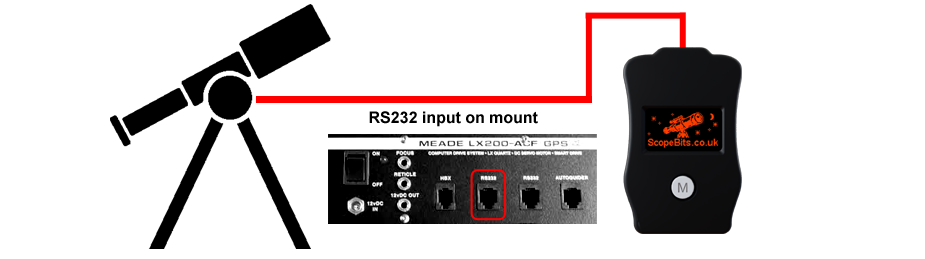
CONNECTSTAR connections

Here is the information needed to connect your CONNECTSTAR to your mount system.
ConnectStar Features

CONNECTSTAR compatible with the legacy RS232 enabled handsets. Handset software version should be 3+

ConnectStar Features

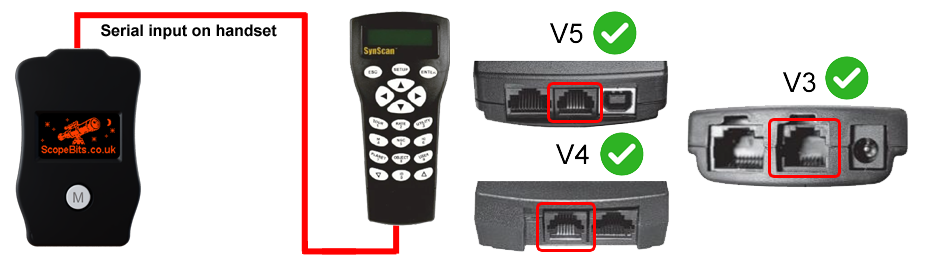
CONNECTSTAR is compatible with V3,4 & 5 handsets. Handset software version should be 3+

ConnectStar Features

*IMPORTANT - some EQ LX mounts have the AUX port polarity reversed, this is dictated by a small white sticker in the battery compartment. If in any doubt please use the USB power bank to power your Telescope bridge, and not use AUX.

Screen mirror feature

Your CONNECTSTAR has a Meade specific mode. It can display the contents of your LCD screen on its own OLED screen. While it does not display scrolling text or everything your handset can display, it is great for basic functions. Works on Autostar handset mounts only with newer firmware eg 4.x (updatable via www.stargps.ca).

StarPatch feature

CONNECTSTAR will allow you to update your handset with new firmware in USB mode. See this guide. It will attempt to put the handset into update mode, but this is not guaranteed depending on firmware versions.
LX200 platform

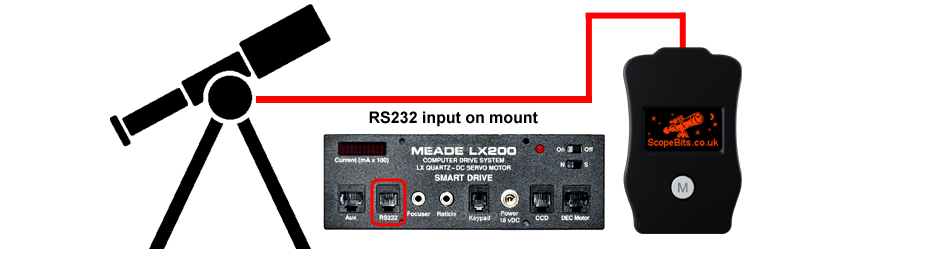
CONNECTSTAR is compatible with all LX200GPS or greater platforms. A mount RS232 port is required.

If you are looking for the LX200 Classic version click here

Your CONNECTSTAR has a Meade specific mode. It can display the contents of your LCD screen on its own OLED screen. While it does not display scrolling text or everything your handset can display, it is great for basic functions. Works on Autostar 2 handset mounts only with newer firmware eg 4.2 (updatable via www.stargps.ca).
LX200 platform

CONNECTSTAR is compatible with all LX200 Classic platforms. A mount RS232 port is required.

If you are looking for the LX200GPS (Autostar 2) version click here


CONNECTSTAR unit overview

Details about the CONNECSTAR unit and it's features

CONNECTSTAR Screens Explained

Below are the screens you will see when using Connectstar. Pressing the M button will allow you to scroll through them. Each screen has a feature explained below.

Default Screen

This is the screen you will see depending on what mode you have selected.
Press the M button to cycle through available modes.
(Only modes available are shown)
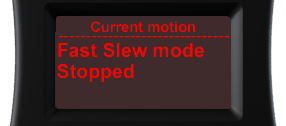
Joystick (if connected)

Move your scope using the Joystick. This screen will show you the motion etc.
See this guide
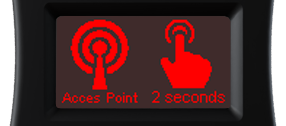
Access Point

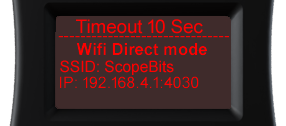
Press the M button for 2 seconds. This mode will create a WiFi network called "ScopeBits" and assign IP 192.168.4.1 port 4030. Connect and start SkySafari etc.
Example SkySafari guide
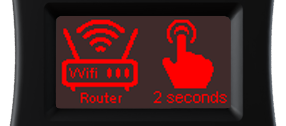
Router Access Point

Creates WiFi network "ScopeBits_connect". Connect and go to 192.168.4.1 in a browser.
See this guide
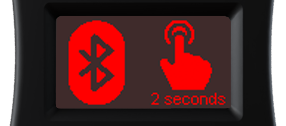
Bluetooth Control

Creates Bluetooth service "ScopeBits".
Example SkySafari guide
Not available on iOS

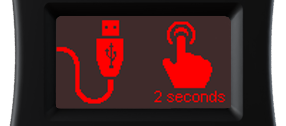
USB Serial Port

Press the M button for 2 seconds. This mode will start a USB serial port @9600 baud. Connect CONNECTSTAR to a computer using the USB-C cable.
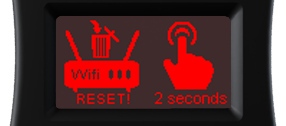
Reset Wifi (Router)

Press the M button for 2 seconds. This will erase the router settings and return to Access Point mode.
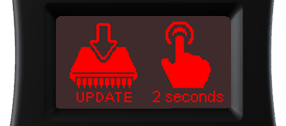
Update Bridge firmware

Press the M button for 2 seconds. Only available in Router mode.
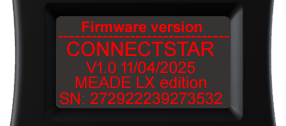
Firmware version

This screen shows firmware + serial number.

SkySafari Connection

Below is a quick guide for connecting to your telescope via CONNECTSTAR. The guide covers SkySafari but CONNECTSTAR is compatible with all other planitarium software that supports your telescope, Bluetooth, Wifi and USB modes for Tablets, phones and computers.


Router setup

Below is a quick guide for connecting CONNECTSTAR to your router.


Joystick motions

If you have the optional joystick with your unit, here are the guides on how it works


StarPatch

To get the best performance from your ScopeBits products, your Autostar handset should be running the latest firmware. Use your CONNECTSTAR to act as an interface between your computer and the StarPatch software.

Download StarPatch or visit stargps.ca/downloads


Press the M button to cycle to the USB mode then, then press M for 2 seconds. This mode will start a USB serial port @9600 baud. Connect CONNECTSTAR to a computer using the USB-C cable. When CONNECTSTAR has rebooted into USB mode, Press the M for 2 seconds to start the StarPatch mode.

Note Scopebits products do not contain handset firmware, they just aim to make it easy to use StartPatch software. Use the guide below to see how to use StarPatch
 

StarPatch guide


How to update the firmware

There are 2 ways to update your CONNECSTAR, one via the device using Wifi, or via this website USB updater. Below are guides for each method.


FAQ

Here are some of the frequently asked questions.

Check these as they may answer any support questions
Please see the CONNECTSTAR for your mount for all the information. See this guide.
This is a purely personal choice. The support was added because it makes slewing effortless compared to trying to find handset buttons in the dark. Some mounts also allow focus control from the joystick. See this guide.
CLICKSTAR has 2 main Wifi modes. 1), WIfi AP (Access Point). This is where it will create it's own Wifi network you can connect to. 2). Wifi STA (Station). CONNECTSTAR can join your exisitng Wifi inftrastructure so other apps and software on your network can find it. See this guide.
CONNECTSTAR has a fairly low power Wifi antenna. Therefore the range is limited to about 10m in AP mode. Considering you will probably be close to your scope when using other apps this is not so much of an issue. When using station mode and for example you have the scope outside, but you are inside, it does depend on your exisiting Wifi setup and it's range.
CONNECTSTAR uses legacy Wifi so is desgned to be as compatible as possible. Modern routers with advanced beam steering, packet slicing etc may not see CONNECTSTAR, but this is rare. Consider changing the router settings to accomodate legacy devices.
In the event that you accidentally entered incorrect info when connecrting to a router, or if CONENCTSTAR can't join a pre-existing network it may appear to hang. It will eventually timeout and return to normal operation. However you can always do a speedy reset. Disconnect any power and then hold down the M key and apply power. The screen will tell you it has reset.
It all depends on if your iOS uses Bluetooth 2.0 or classic. Normally iOS devices don't support Bleutooth serial.
No additional power supply is required. CONNECTSTAR is powered through the telescope connection. Only in certain cases such as the Meade EQ LX models might require some additional power (or power lead change). See this guide.
Yes. Firmware updates can be installed through the ScopeBits firmware update tools available on the support website. Updating firmware ensures the latest features and compatibility improvements. CONNECTSTAR also has OTA (Over The Air) updates if connected to a Wifi router. Make sure you're using Google Chrome or Microsoft Edge on desktop. Mobile browsers and Safari are not supported for WebUSB/WebSerial updates. See this guide.
There is a quick start guide to connect your scope using Sky Safari here. Any other apps such as Stellarium is also compatible but will require their own setup.

Customer reviews

Here are some reviews from customers about their CONNECTSTAR.

Also check out the gallery to see customer images of ScopeBits gear in action.


BUY

If all of the above info has interested you, and you are interested in purchasing a CONNECTSTAR, visit the store to see purchasing options.

Copyright 2026 ScopeBits.