This is so the we can show you the relevant information.
CLICKSTAR
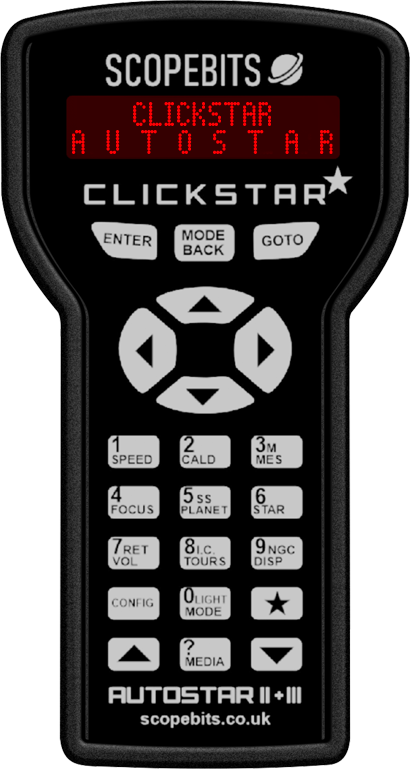
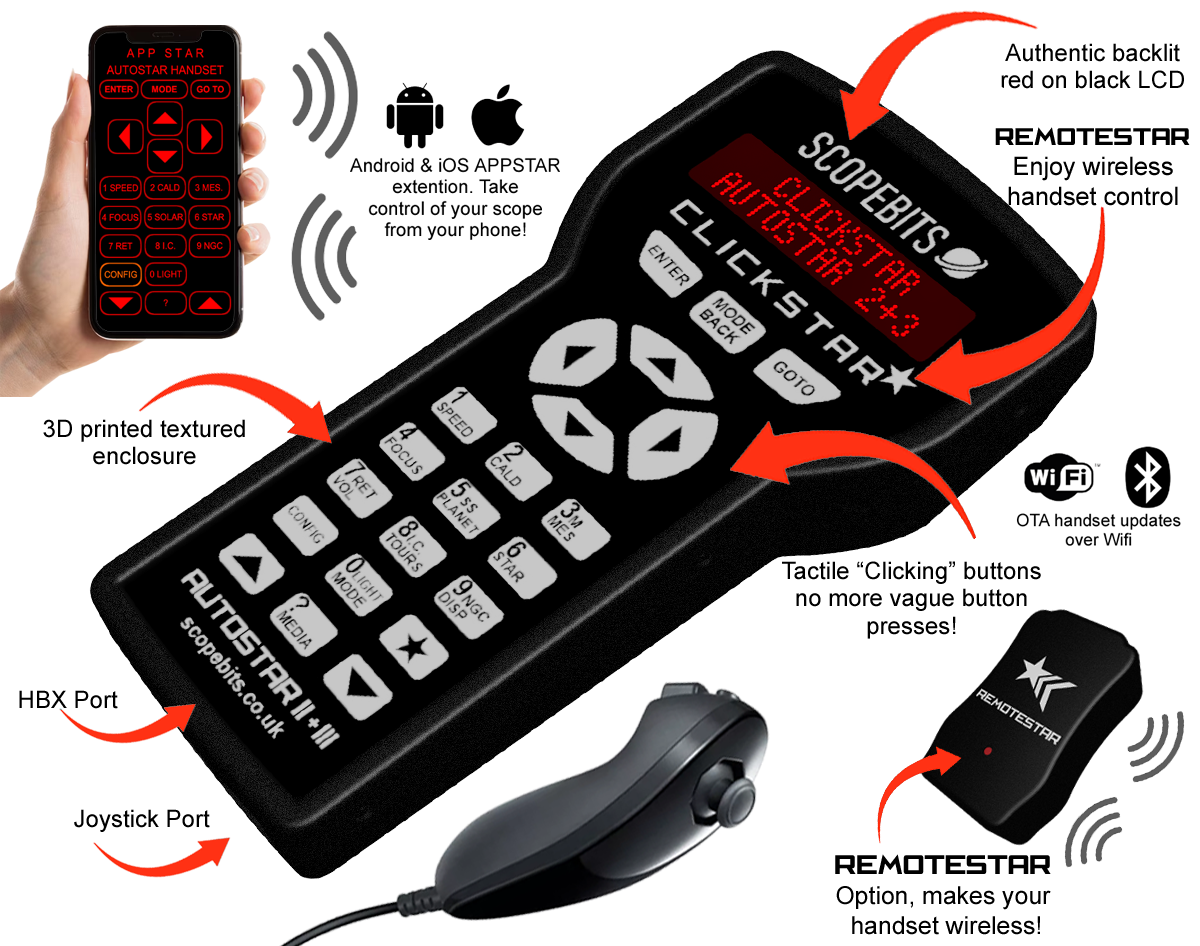
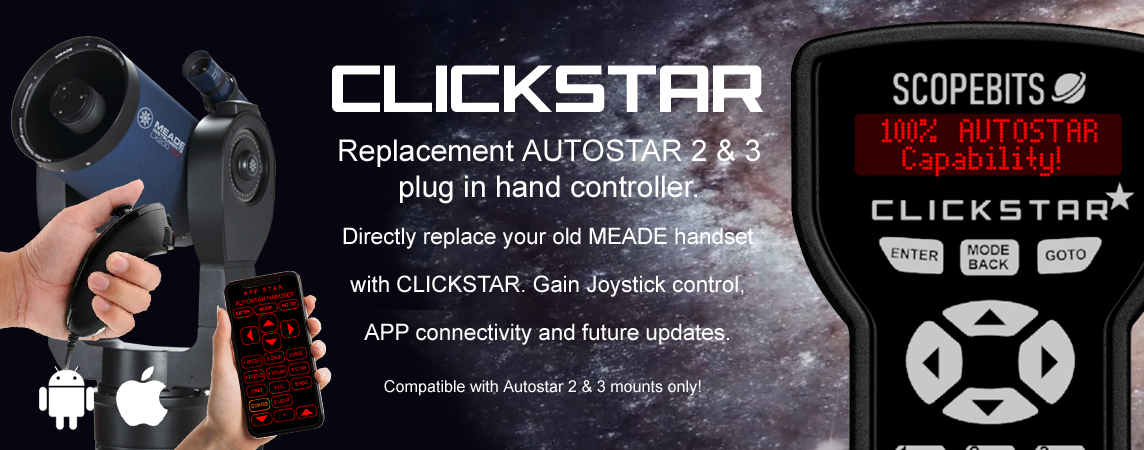
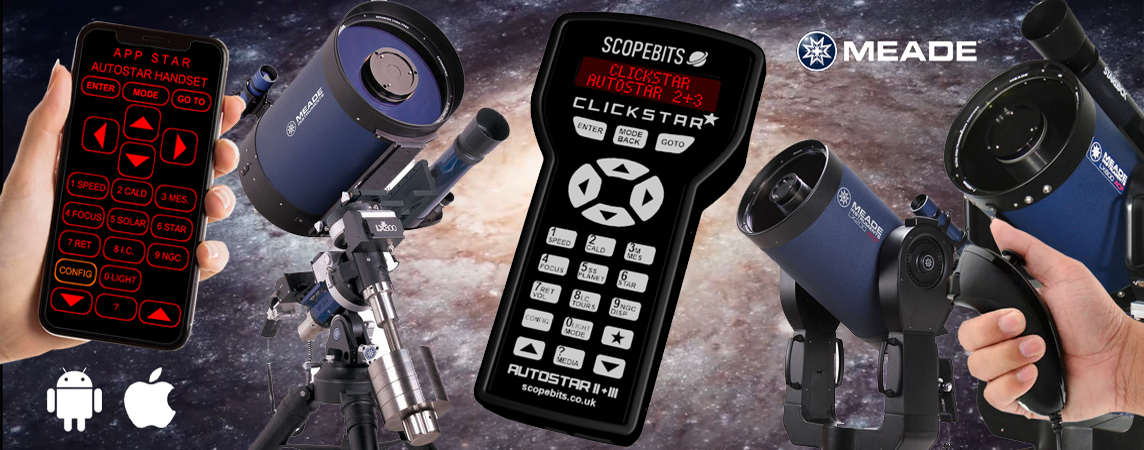
CLICKSTAR - Tactile Control, Total Compatibility Classic buttons, modern brains. CLICKSTAR is a powerful replacement for your Autostar 2 or 3 handset, with responsive tactile buttons, optional joystick control, and full app integration. Pair it with the FREE ScopeBits app for Android or iOS and enjoy wireless slewing, focus, and more - whether you're hands-on or hands-off.
A note to owners of the original CLICKSTAR, you can updgarde to the new CLICKSTAR shown on this page. Please visit the store to find out how.
Quickly jump to an information section using these buttons
CLICKSTAR demo video
This short demonstration video shows a brief overview of CLICKSTAR in action. Covers main AUTOSTAR 2/3 compatibility, Joystick control, optional bracket and APP control. See below on this page for further details of all capabilities. NOTE, this video shows the original CLICKSTAR, a new one will be available soon with the next generation version shown on this page.
CLICKSTAR unit overview
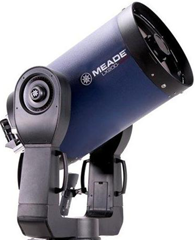
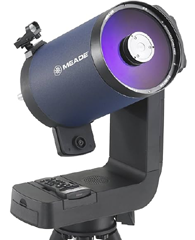
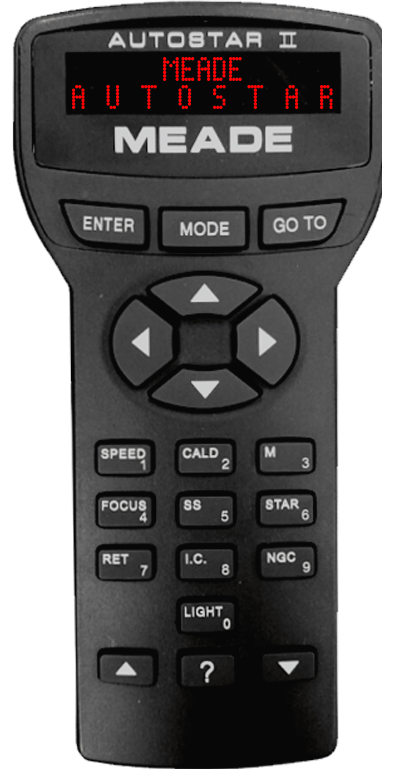
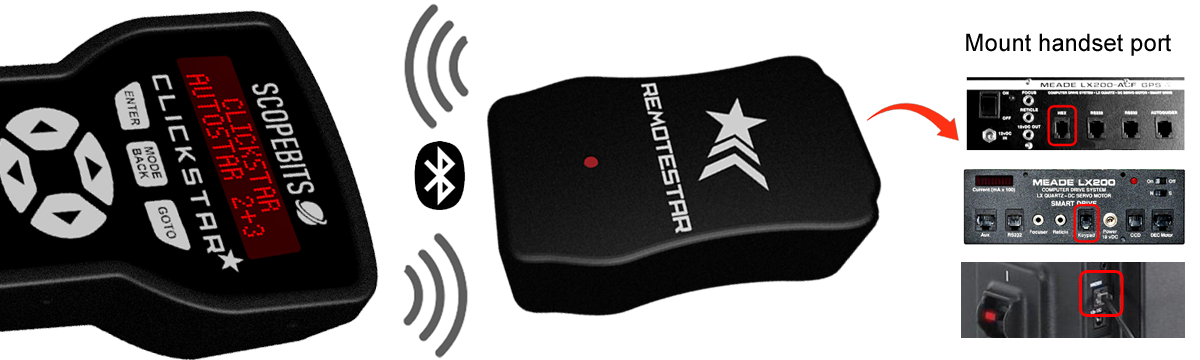
CLICKSTAR simply plugs into your mount's HBX port. Use the original lead, or the optional supplied one. It replicates your original MEADE Autostar 100%! Ready for LX200 ACF, LX200 GPS, LX200 R, LX400, LX600, LX850.
Features
Autostar 2 Compatible
Built-In GoTo Catalog: 145,000+ Objects NGC: 7,840 IC: 5,386 Messier Catalog: 110 Caldwell Catalog: 109 Named Objects: 227 Herschel Catalog: 400 Abell Catalog of Galaxy Clusters: 2,712 Arp Catalog of Irregular Galaxies: 645 Uppsala Galaxy Catalog: 12,940 Morphological Catalog of Galaxies: 12,939 General Catalog of Variable Stars: 28,484 SAO Catalog: 17,191 Hipparcos Star Catalog: 17,325 Display: 2-Line Backlit LCD
CLICKSTAR also features joystick control, wireless operation and APPSTAR phone handset capability!
CLICKSTAR & REMOTESTAR
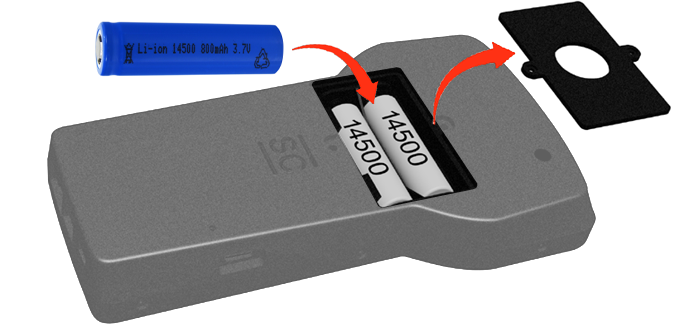
If you prefer you can make your CLICKSTAR 100% wireless from your mount. This feature is similar to Meade's own wireless Autostar controller. Now there is REMOTESTAR a unit available to get you wireless handset control. Simply plug REMOTESTAR into your mount's HBX port. Insert the required 14500 3.7v style batteries into CLICKSTAR. Turn it on and the units will sync and you are now wireless! CLICKSTAR communicates to REMOTESTAR using Bluetooth LE, the range in open air is approx 10 meters.
Using the APPSTAR APPS
Here are the guides to using the APPSTAR mobile app with your CLICKSTAR. Select the device platform you require.
Router setup
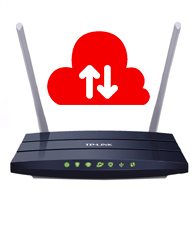
Below is a quick guide for connecting CONNECTSTAR to your router. You only need to do this if you want to use the WiFi handset firmware updater.
Reset your stored WiFi
If you have already configured a WiFi network, but wish to change it to another - or you incorrrecly entered your Wifi settings, then use this option.
How to update the firmware
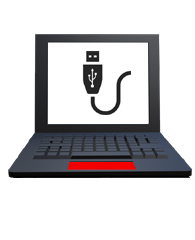
There are 2 ways to update your CLICKSTAR, one via the device using Wifi, or via this website USB updater. Below are guides for each method.
Joystick motions
If you have the optional joystick with your unit, here are the guides on how it works
Adjusting the screen contrast
On the back of your CLICKSTAR, there's a small hole at the top. Use a mini Phillips (star) screwdriver to gently fine-tune the contrast of the LCD.
Reset CLICKSTAR
On the back of your CLICKSTAR, there's a small hole on the back near the USB-C input. Use a paper clip or similar small object to reset and restart your CLICKSTAR.
CLICKSTAR battery power
This only applies if you have the REMOTESTAR requred for wireless operation.
The CLICKSTAR uses 2 14500 3.7v battery cells (Not included). These are available in re-chargeable and non re-chargeable versions. Both will work just fine. Do not use AA batteries, as these do not have sufficent power to operate CLICKSTAR.
CLICKSTAR does not charge the batteries when inserted. You will need a suitable charger, or choose the newer batteries that can be recharged using USB-C. Always recharge the batteries out of the CLICKSTAR unit.
You can use your CLICKSTAR plugged in while the batteries are inserted. Just ensure the power switch is off when doing so, else CLICKSTAR will be running on battery power, and not mount power.
3D print files
Listed here are the 3D print files available for this product.
These are available in the store, but if you have the facility to 3D print them here they are.
Use a high quality PLA, ABS or PetG. 5% infill. This is a multi-use bracket and can be fit onto the LX200 handles, or used with the leg adapters below. LS users will have to use the tripod leg adapters. The bracket also can hold the joystick.
Check these as they may answer any support questions
Yes CLICKSTAR is a 100% plug in replcement for your Autostar 2 or 3 handset.
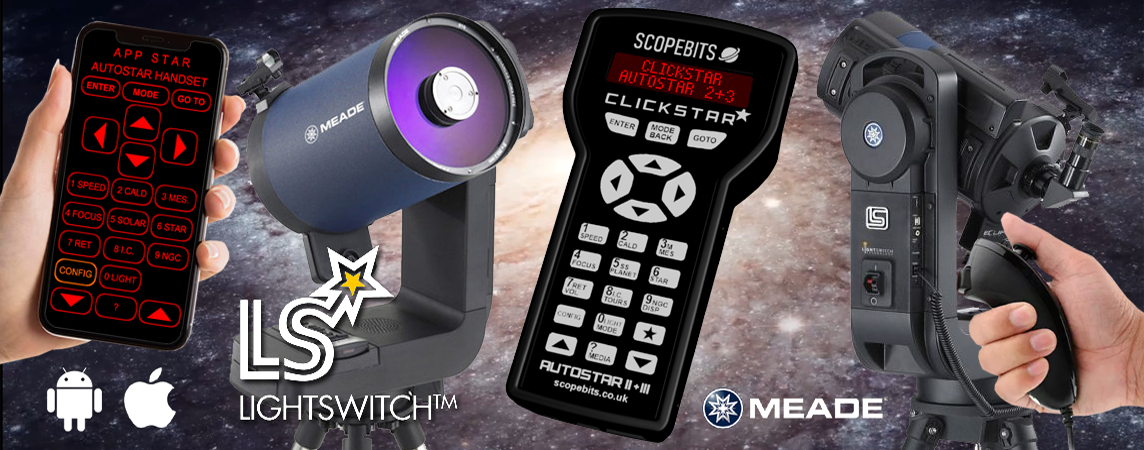
CLICKSTAR works with any mount that uses the Meade Autostar 2 eg LX200 ACF, LX200 GPS, LX200 R, LX400, LX600, LX850. Also the Autostar 3 used on the Lightswitch platform. See this guide.
CLICKSTAR simply plugs into the existing HBX port on your mount.
This is a purely personal choice. The support was added because it makes slewing effortless compared to trying to find handset buttons in the dark. Some mounts also allow focus control from the joystick. See this guide.
Yes there is an option to use CLICKSTAR wirelessly without being tethered to your mout via the hbx lead. You will need to use the optional REMOTESTAR unit and the required batteries in your CLICKSTAR for this to work. See this guide.
No, even though they will fit into the battery compartment, they are 1.5v. CLICKSTAR needs 3.7v 14500 batteries to run. You only need batteries is you are using it in wireless mode and with a REMOTESTAR unit. See this guide.
In the event that you accidentally entered incorrect info when connecting to a router, or if CLICKSTAR can't join a pre-existing network it may appear to hang. It will eventually timeout and return to normal operation. However you can always do a speedy reset. See this guide.
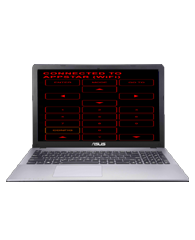
CLICKSTAR has a WIfi AP (Access Point) mode. This is where it will create it's own Wifi network you can connect to. See this guide.
CLICKSTAR has a fairly low power Wifi antenna. Therefore the range is limited to about 10m in AP mode. Considering you will probably be close to your scope when using other apps this is not so much of an issue. When using station mode and for example you have the scope outside, but you are inside, it does depend on your exisiting Wifi setup and it's range.
CLICKSTAR uses legacy Wifi so is desgned to be as compatible as possible. Modern routers with advanced beam steering, packet slicing etc may not see CLICKSTAR, but this is rare. Consider changing the router settings to accomodate legacy devices.
Yes. CLICKSTAR supports APPSTAR functionality, allowing you to control your telescope through the APPSTAR handset replacement app. See this guide.
No additional power supply is required. CLICKSTAR is powered through the telescope handset connection. Ensure if running on batteries that they are fresh. Low batteries can cause the CLICKSTAR to not start.
Yes. Firmware updates can be installed through the ScopeBits firmware update tools available on the support website. Updating firmware ensures the latest features and compatibility improvements. CLICKSTAR also has OTA (Over The Air) updates if connected to a Wifi router. Make sure you're using Google Chrome or Microsoft Edge on desktop. Mobile browsers and Safari are not supported for WebUSB/WebSerial updates. See this guide.
Check that all cables are securely connected and that your telescope is powered up and switched on. If the issue continues, restart the telescope and reconnect the device. Also check the power switch is in the correct position if you are not using handset battery power.
Customer reviews
Here are some reviews from customers about their CONNECTSTAR.
Also check out the gallery to see customer images of ScopeBits gear in action.
Robert J
Florida, USA
My LX200GPS handset finally gave up after years of use. CLICKSTAR brought the whole system back to life and actually made it better. The joystick control is smooth and the app features are a huge bonus.
Emma W
Bristol, UK
I replaced a failing Autostar with CLICKSTAR and could not be happier. The screen is clear, the controls are responsive and the joystick makes positioning so much easier. It feels like a modern upgrade to a classic telescope.
Daniel S
Colorado, USA
Using this on a larger LX200GPS setup in a small observatory. It has been completely reliable and the APPSTAR integration is excellent for remote control. This is a serious piece of kit.
Sophie L
Paris, France
My original controller had dim screen issues and unreliable buttons. CLICKSTAR fixed everything instantly. The joystick is especially useful when centering objects. Very intuitive to use.
Markus H
Hamburg, Germany
I run an older Meade setup for outreach events and needed something dependable. CLICKSTAR has been perfect. The interface is clear and the joystick control makes demonstrations much smoother.
Jason P
Texas, USA
The APPSTAR features really take this to another level. Being able to control and monitor everything from my phone while still having the physical controller is ideal. Works flawlessly with my LX200GPS.
Laura M
Toronto, Canada
I use this in an educational setting and it has been fantastic. Students find the joystick control very natural and the display is much easier to read than the original handset. It has made sessions much more engaging.
Miguel R
Barcelona, Spain
My Autostar stopped working and I thought the telescope was finished. CLICKSTAR was a complete replacement and actually an upgrade. The joystick is precise and the system feels very responsive.
Peter K
Auckland, New Zealand
I am using this with a larger fork mount system and it handles everything perfectly. The build quality is excellent and the controls feel solid. It is a proper upgrade rather than just a replacement.
Hannah C
Oslo, Norway
Everything just works. Setup was simple and the interface is very easy to understand. The combination of physical controls, joystick and app connectivity makes this a joy to use. Highly recommended.
BUY
If all of the above info has interested you, and you are interested in purchasing a CLICKSTAR, visit the store to see purchasing options.