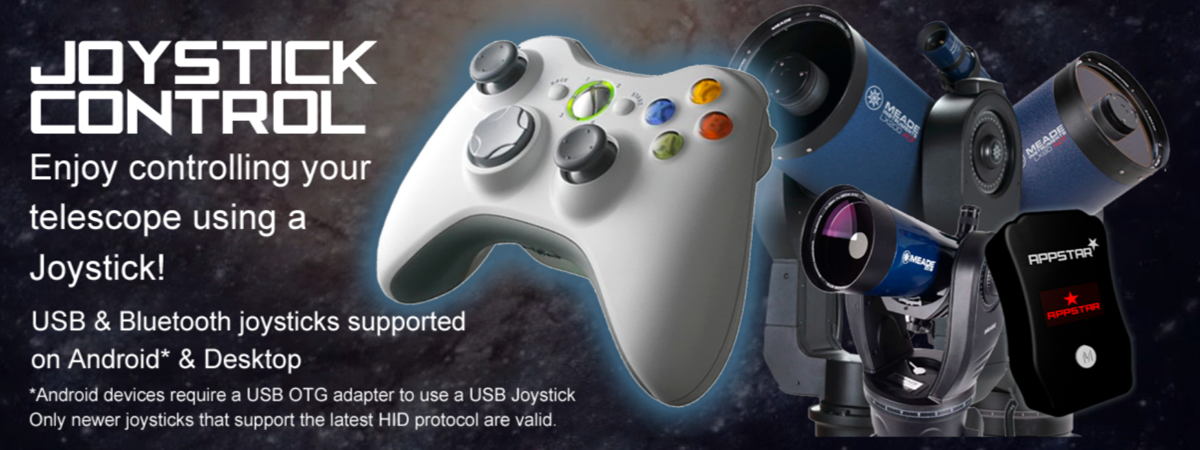
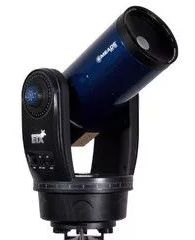
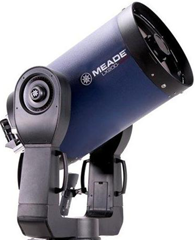
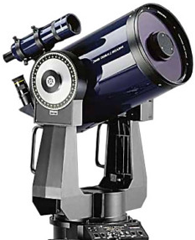
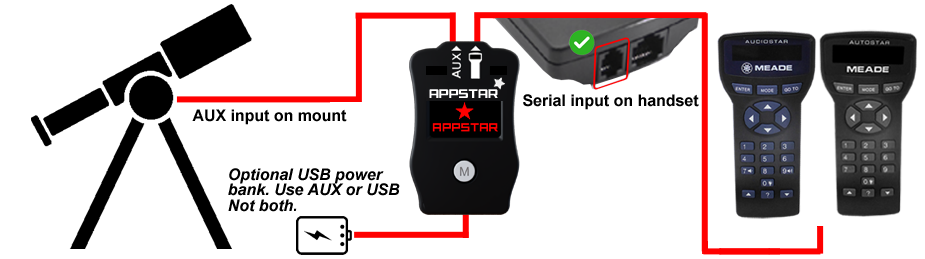
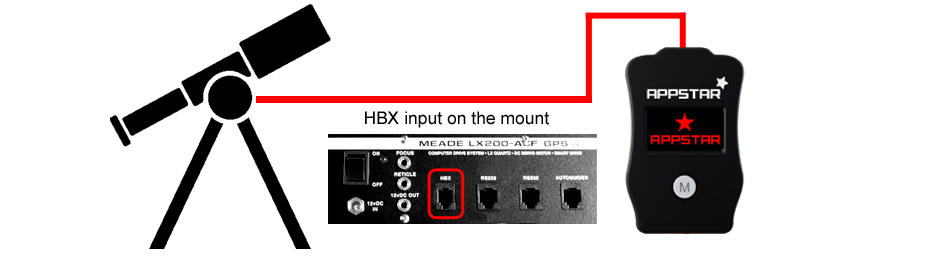
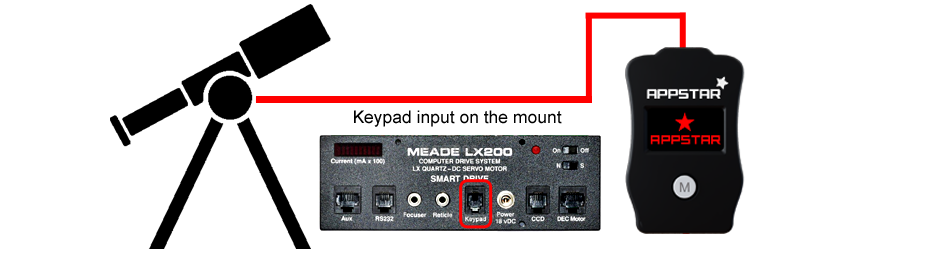
Please select your telescope platform
This is so the we can show you the relevant information.

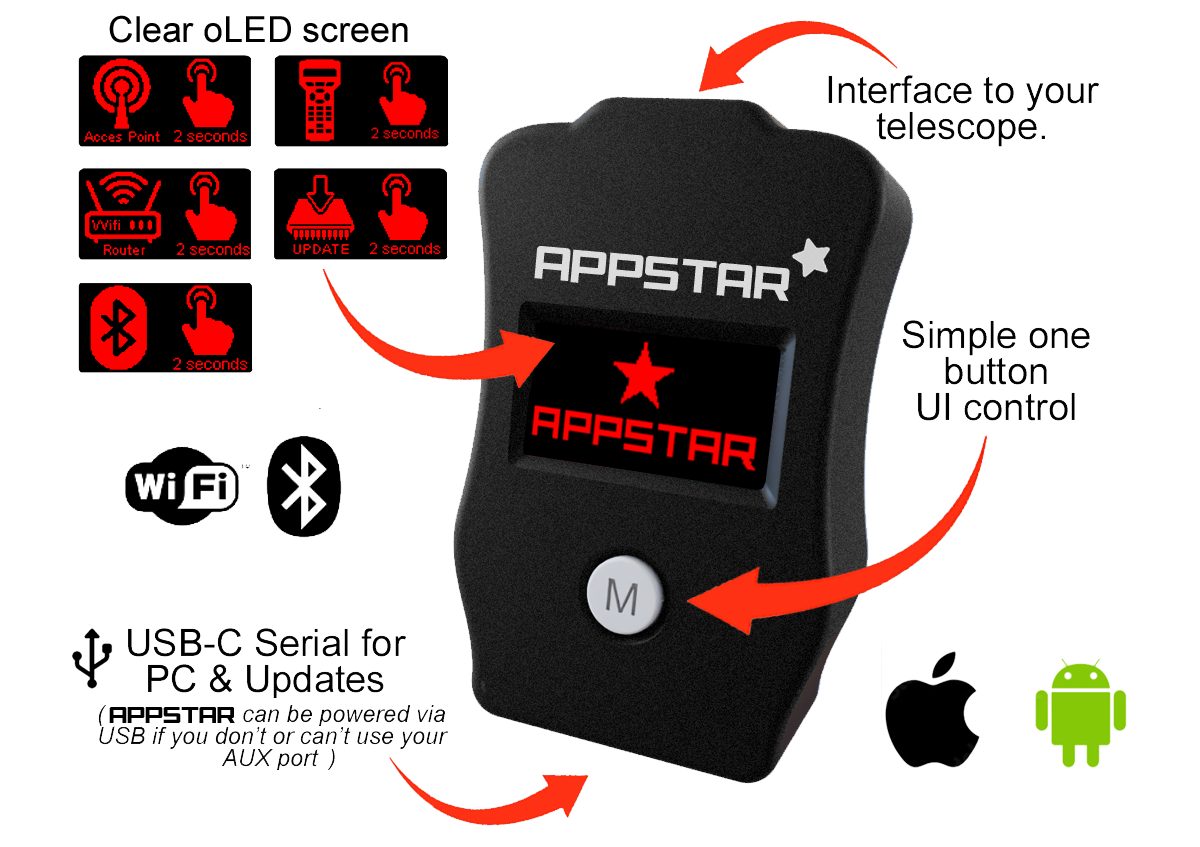
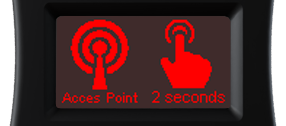
Press the M button for 2 seconds. This mode will create a Wifi network called "APPSTAR" and assign an IP address 192.168.4.1 Connect to this SSID on your device and start your app.
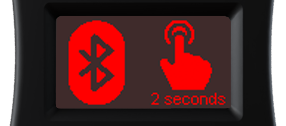
Press the M button for 2 seconds. Creates a Bluetooth LE service for easy connection. This can be used for both Android & iOS devices plus desktop computers.
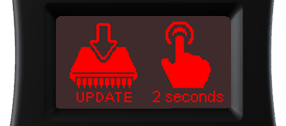
Press the M button for 2 seconds. APPSTAR will connect to your Wifi network so it can be updated.(APPSTAR not telescope firmware).