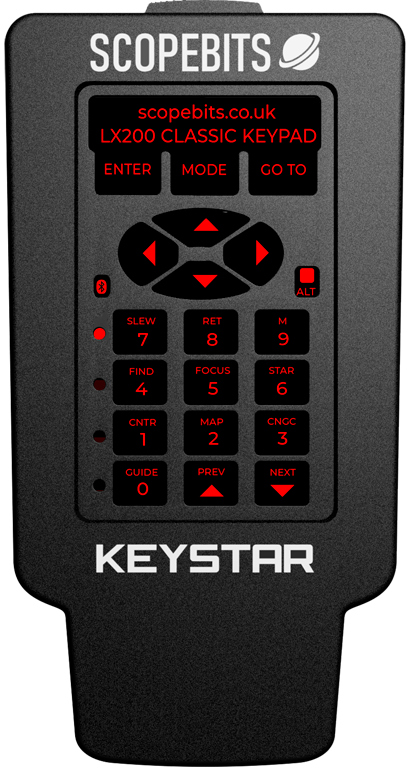
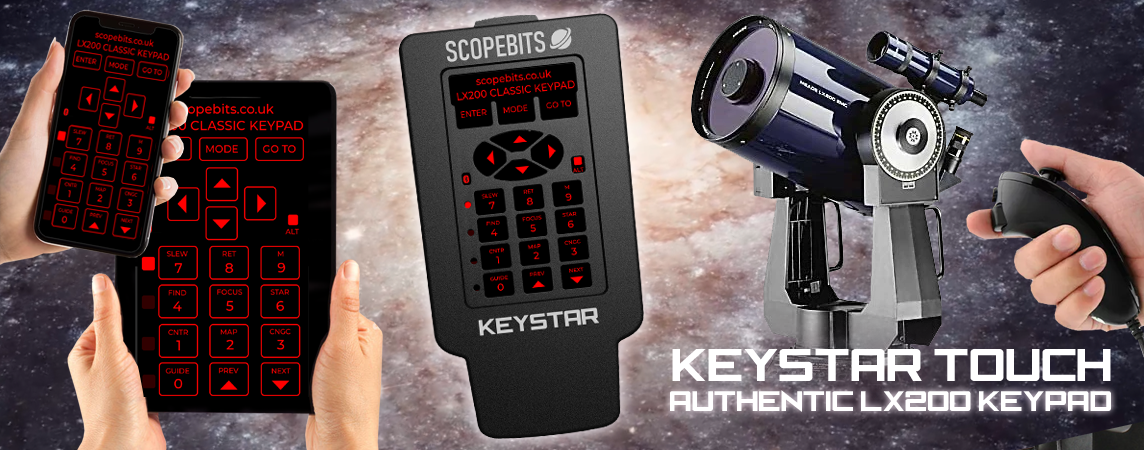
KEYSTAR TOUCH - Modern Control Meets Classic Power Finally, a controller that matches the tech in your telescope. KEYSTAR TOUCH features a crisp touchscreen with LX200 Classic keypad layout, optional joystick support for precise slewing and focus, and extended control via the FREE Android app. It's the ultimate upgrade - sleek, smart, and built for serious stargazing.
Quickly jump to an information section using these buttons
KEYSTAR TOUCH unit overview
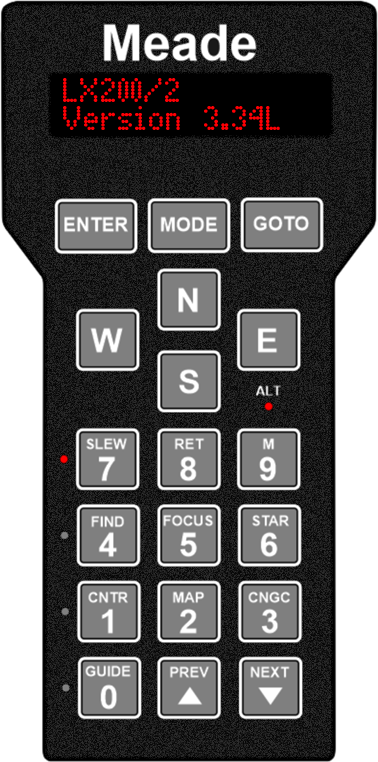
KEYSTAR simply plugs into your mount's Keypad port. Use the original lead, or the optional supplied one. It replicates your original MEADE LX200 Classic keypad.
Features
LX200 Classic Compatible
Built-In GoTo Catalog: 64,359 Objects 15,928 SAO (Smithsonian Astrophysical Observatory) Catalog of Stars: All stars brighter than 7th magnitude. 12,921 UGC (Uppsala General Catalog) Galaxies: Complete catalog. 7,840 NGC (New General Catalog) objects: Complete Catalog. 5,386 IC (Index Catalog) objects: Complete catalog. 21,815 GCVS (General Catalog of Variable Stars) objects: Complete catalog. 351 Alignment Stars: LX200 alignment stars. 110 M (Messier) objects: Complete catalog. 8 major planets from Mercury to Pluto.
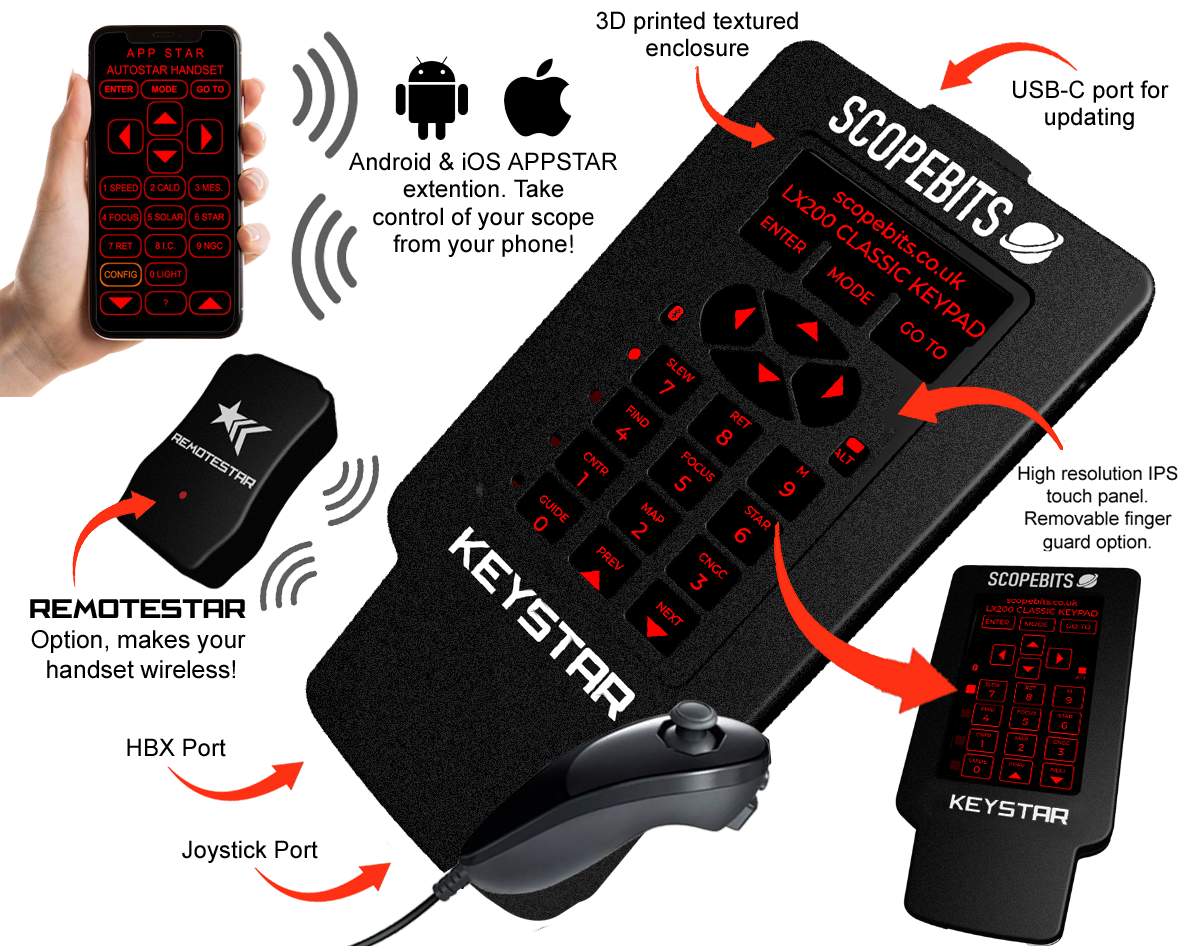
KEYSTAR TOUCH also features joystick control, wireless operation and APPSTAR phone handset capability!
KEYSTAR TOUCH & REMOTESTAR or APPSTAR
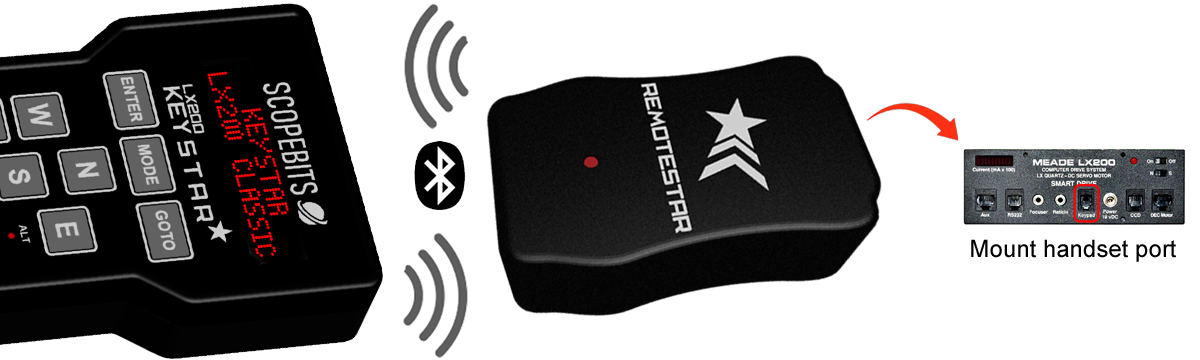
If you prefer you can make your KEYSTAR TOUCH 100% wireless from your mount. This feature is similar to Meade's own wireless Autostar controller. If you already own an APPSTAR unit, use the handset mode and KEYSTAR TOUCH will instantly connect to it and you are now wireless. There is also the REMOTESTAR unit available to also get you wireless easily. Simply plug REMOTESTAR into your mount's HBX port. Insert the required 14500 3.7v style batteries into KEYSTAR TOUCH. Turn it on and the units will sync and you are now wireless! KEYSTAR TOUCH communicates to REMOTESTAR using Bluetooh LE, the range in open air is approx 10 meters.
Using the APPSTAR APPS
Here are the guides to using the APPSTAR mobile app with your KEYSTAR TOUCH. Select the device platform you require.
How to update the firmware
You can update your KEYSTAR TOUCH using the USB online updater. Follow this guide.
Joystick motions
If you have the optional joystick with your unit, here are the guides on how it works
Screen config
KEYSTAR TOUCH has options to change the screen type, Autostar modes & screen timeout settings.
Reset KEYSTAR TOUCH
On the back of your KEYSTAR TOUCH, there's a small hole on the back near the USB-C input. Use a paper clip or similar mall object to reset and restart your KEYSTAR TOUCH.
KEYSTAR TOUCH battery power
This only applies if you have the REMOTESTAR or APPSTAR requred for wireless operation.
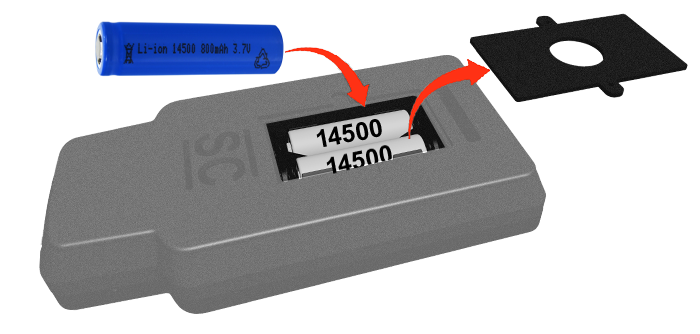
The KEYSTAR TOUCH uses 2 14500 3.7v battery cells (Not included). These are available in re-chargeable and non re-chargeable versions. Both will work just fine. Do not use AA batteries, as these do not have sufficent power to operate KEYSTAR TOUCH.
KEYSTAR TOUCH does not charge the batteries when inserted. You will need a suitable charger, or choose the newer batteries that can be recharged using USB-C. Always recharge the batteries out of the KEYSTAR TOUCH unit.
You can use your KEYSTAR TOUCH plugged in while the batteries are inserted. Just ensure the power switch is off when doing so, else KEYSTAR TOUCH will be running on battery power, and not mount power.
3D print files
Listed here are the 3D print files available for this product.
If you have the facility to 3D print them here they are.
Check these as they may answer any support questions
Yes KEYSTAR TOUCH is a 100% plug in replcement for your Keypad handset. See this guide.
KEYSTAR TOUCH simply plugs into the existing Keypad port on your mount.
This is a purely personal choice. The support was added because it makes slewing effortless compared to trying to find handset buttons in the dark. Some mounts also allow focus control from the joystick. See this guide.
Yes there is an option to use KEYSTAR TOUCH wirelessly without being tethered to your mout via the hbx lead. You will need to use the optional REMOTESTAR unit and the required batteries in your KEYSTAR TOUCH for this to work. See this guide.
No, even though they will fit into the battery compartment, they are 1.5v. KEYSTAR TOUCH needs 3.7v 14500 batteries to run. You only need batteries is you are using it in wireless mode and with a REMOTESTAR unit. See this guide.
KEYSTAR TOUCH does not use Wifi, it uses Bluetooth LE for communicaiton to APPSTAR for iOS and Android.
Yes. KEYSTAR TOUCH supports APPSTAR functionality, allowing you to control your telescope through the APPSTAR handset replacement app. See this guide.
No additional power supply is required. KEYSTAR TOUCH is powered through the telescope handset connection. Ensure if running on batteries that they are fresh. Low batteries can cause the KEYSTAR TOUCH to not start.
Yes. Firmware updates can be installed through the ScopeBits firmware update tools available on the support website. Updating firmware ensures the latest features and compatibility improvements. Make sure you're using Google Chrome or Microsoft Edge on desktop. Mobile browsers and Safari are not supported for WebUSB/WebSerial updates. See this guide.
Check that all cables are securely connected and that your telescope is powered up and switched on. If the issue continues, restart the telescope and reconnect the device.
Customer reviews
Here are some reviews from customers about their CONNECTSTAR.
Also check out the gallery to see customer images of ScopeBits gear in action.
So new there are no reviews just yet!
I am sure there will be some here soon!
COMING SOON!
It's in stages of final development, and will be released soon!