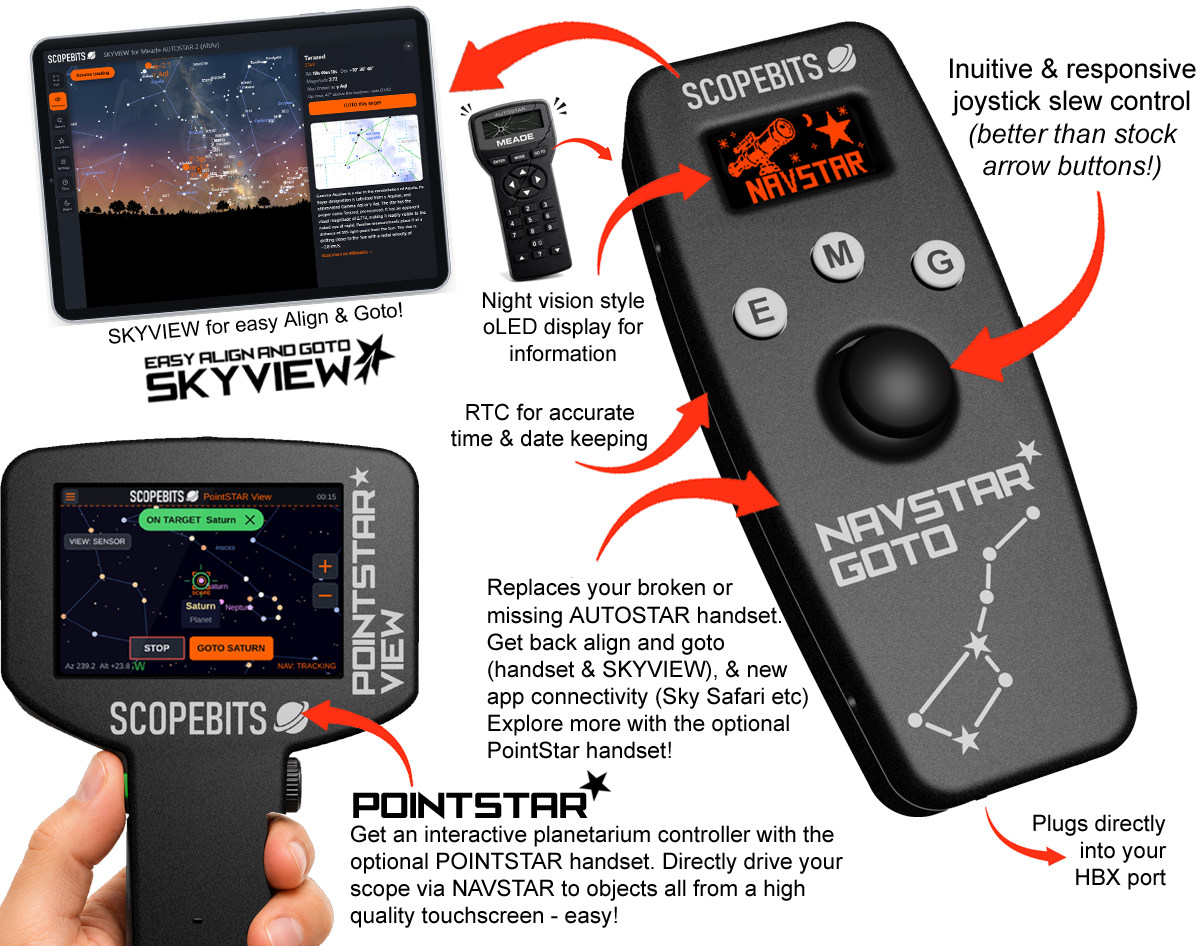
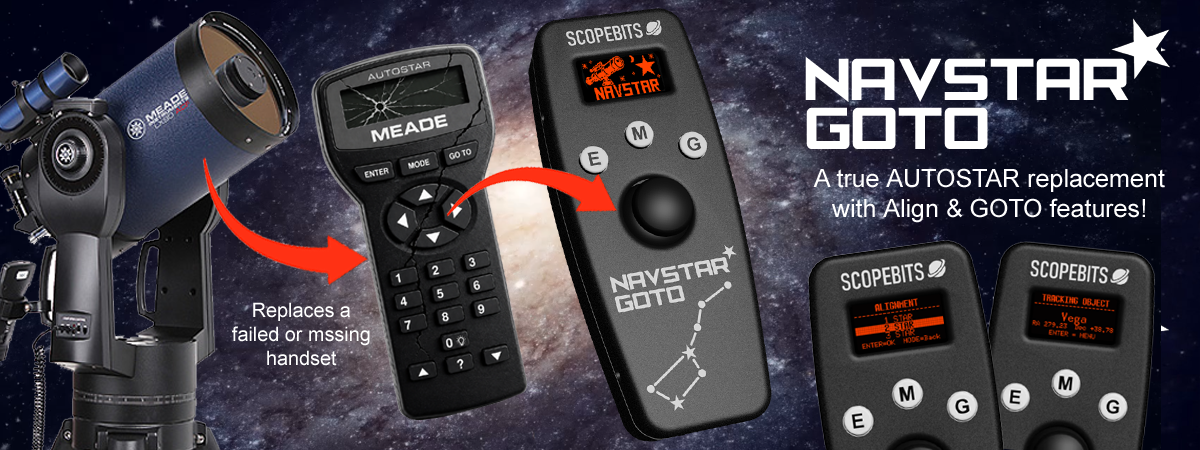
Yes. NAVSTAR GOTO plugs in where your Autostar or Audiostar handset went and gives you back full control of your telescope: slewing at nine speeds with a fast, responsive joystick, plus star alignment, GoTo and tracking, all on the handset itself. No phone or computer is needed, although you can use one if you like (see SkyView below).
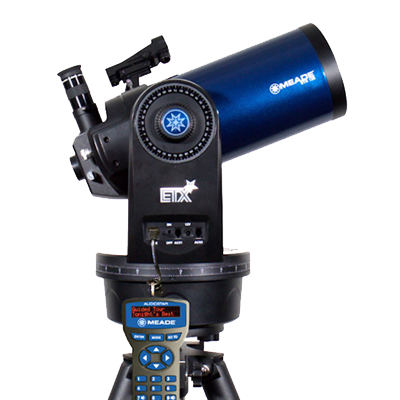
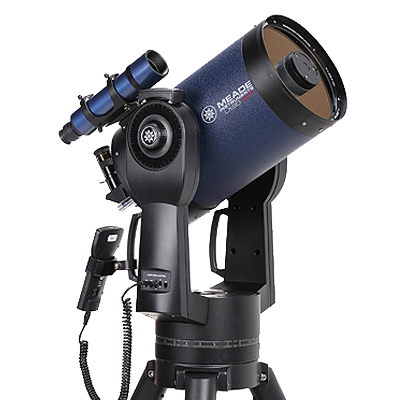
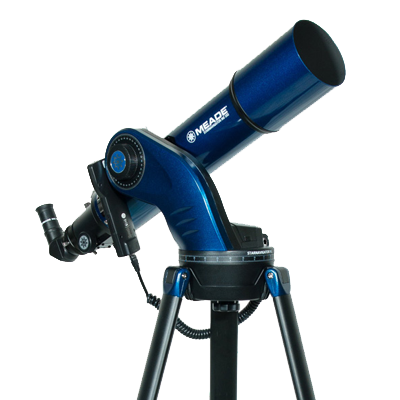
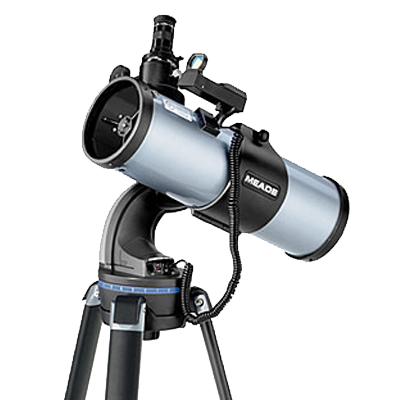
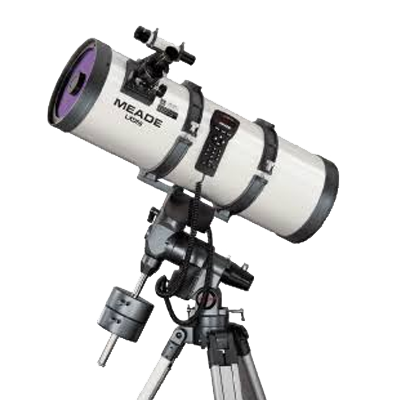
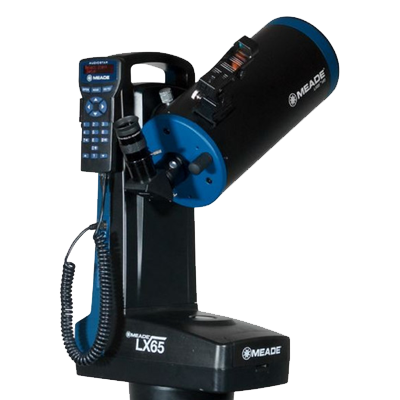
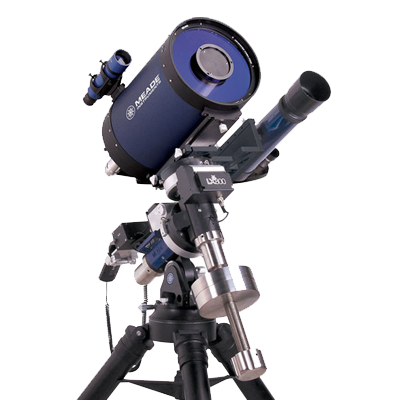
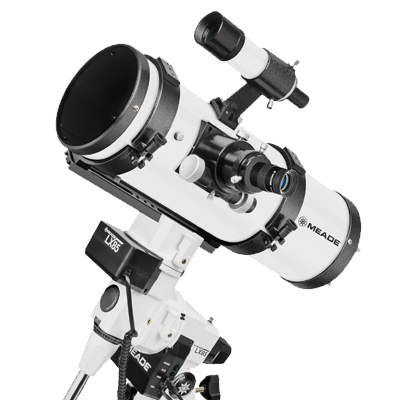
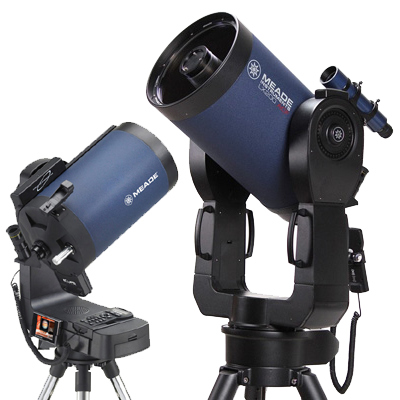
Meade telescopes that used the Autostar 497 or Audiostar handset. You choose your model from the list when the handset starts: ETX60, ETX70, ETX80, ETX90, ETX105, ETX125, the DS and DS EXT series, the LXD55, LXD70 and LXD75, LX80 and LX90. If your telescope isn't listed, get in touch before ordering and we'll tell you whether it will work.
No. NAVSTAR GOTO plugs into the same handset port as your old Autostar. There is nothing to open up, solder or change, and you can plug your old handset back in at any time.
From the telescope, through the handset cable, just like the Autostar. Power the scope as you normally would and the handset switches on with it.
It is simpler and quicker to use. Menus are big pictures and short lists rather than long scrolling text, every screen tells you which key to press next, and the joystick moves the scope in any direction, diagonals included. Alignment takes a few minutes, and once aligned you can GoTo thousands of objects or hand the scope over to apps on your phone, tablet or laptop.
Yes. The demo on this page runs the real NAVSTAR GOTO software in your browser, with a virtual telescope under tonight's sky. Try an alignment and a few GoTos exactly as you would on the real handset. There is also a SkyView demo and a guide to every screen.
There are three keys and a joystick, and they do the same job on every screen.
E = ENTER: select, confirm, and capture an alignment star.
M = MODE / BACK: go back one screen. Leaving an alignment or GoTo always asks first, so a stray press can't lose your alignment.
G = GOTO: straight to the GoTo menu.
Joystick: moves the scope in any direction, including diagonals, and moves through menus and lists.
There are nine speeds, from 4.5 degrees a second for crossing the sky down to slow rates for centring at high power. Choose one in the SPEED menu. GoTo slews run at full speed by default; switch on QUIET SLEW in the GoTo menu for a gentler, quieter slew late at night.
First check you picked the right telescope model at start-up, as the correct directions are set for each one. If a direction is still reversed, open REVERSE in the main menu, where east/west and north/south can each be flipped.
Set the scope up level and pointing north (or on its polar home if you use a wedge), then choose ALIGN. Pick 1, 2 or 3 stars. NAVSTAR GOTO lists bright stars that are well placed tonight; choose one and the scope slews to it. Centre the star in the eyepiece with the joystick and press E. Repeat for the next star and you're aligned and tracking. The handset tells you what to do at every step.
No. The handset only offers bright, easy stars that are above the horizon right now and slews to each one for you. You just centre it and press E. If you prefer to point at stars on a map, use SkyView instead.
One star is quickest and fine for a short session. Two stars gives noticeably better GoTos, and three gives the best pointing across the whole sky. Choose stars well apart from each other for the best result.
No. NAVSTAR GOTO keeps the date and time while it is switched off and remembers your observing site, so most nights you simply press E to accept them. Change the site whenever you travel to a new location. If you align with SkyView, it sets the time and location for you from your phone, tablet or laptop.
Yes. Choose POLAR at start-up instead of ALT AZ. Set the scope to its polar home, then align on stars in the usual way. NAVSTAR GOTO can also take you to Polaris so you can fine-tune the wedge itself for better tracking.
Around 4,700 objects in five easy groups: 129 bright stars, the planets and the Moon (worked out for tonight), 675 star clusters, 3,666 galaxies and 254 nebulae. The lists only show objects that are above your horizon. You can also enter any RA and Dec with Custom RA/Dec. With SkyView or a planetarium app you can GoTo anything they show.
Yes. Once aligned, NAVSTAR GOTO keeps whatever you've found in the eyepiece as it moves across the sky, on both alt-az and polar mounts.
Check the telescope model, date, time and site are right, and that the scope started level and pointing north. Align on two or three stars spread well apart, and centre each one carefully with a medium or slow speed. If an object lands slightly off, centre it with Manual Control in the GoTo menu and press E to SYNC: NAVSTAR GOTO uses it to improve pointing in that part of the sky. A wider eyepiece makes finding easier, and you can switch to a higher power once centred.
The first time NAVSTAR GOTO is used with your telescope, or after you change the telescope model, it calibrates the motors so it can measure exactly where the scope is pointing. It takes a moment; leave the scope alone while it runs.
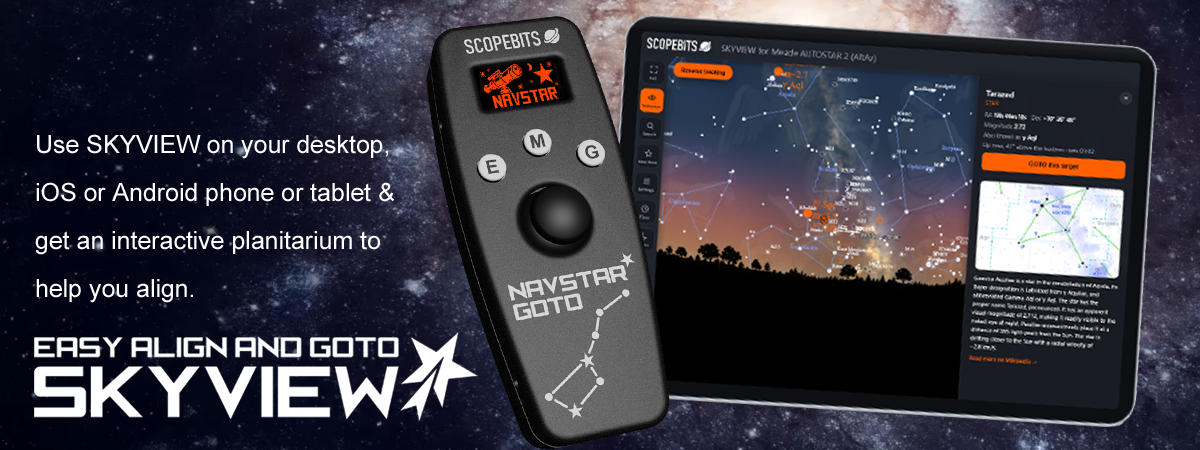
SkyView is our planetarium app. It runs in your web browser, so there is nothing to install. Connect it to NAVSTAR GOTO and align by simply tapping stars on the map, then tap any object to send the telescope there and watch it move on the screen. It works on a phone, but a tablet or laptop gives you a bigger view of the sky.
SkyView connects to NAVSTAR GOTO by Bluetooth or a USB cable. Use Google Chrome or Microsoft Edge on Android, Windows, Mac or Chromebook. Apple's iPhone and iPad browsers don't support Bluetooth connections from web pages, so on those devices use the handset's own alignment and GoTo, or a planetarium app over WiFi (see below).
Yes. Align first, then choose APP connect in the GoTo menu and pick WiFi or Bluetooth. In WiFi mode NAVSTAR GOTO makes its own network called NAVSTAR. Join it and set your app to a Meade LX200 telescope at address 192.168.4.1, port 4030; the handset shows these details on screen. In Bluetooth mode, pair with NAVSTAR and select it in the app. The app can then GoTo anything in its catalogue.
No. When you end the app session the telescope stays aligned and tracking, so you can carry on with the handset's own catalogue.
New features and improvements are installed from our website with a USB cable, using Google Chrome or Microsoft Edge on a computer. There's no software to download; follow the steps on the updates page.
Get in touch through our contact page with your telescope model and what you see on the handset screen. A photo of the screen is a great help.
Copyright 2026 ScopeBits.